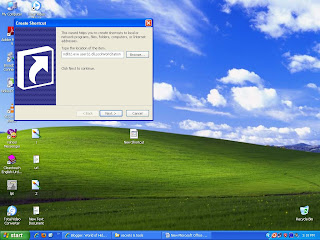
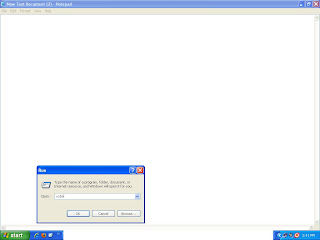
 3-then go to start>>run type 'oobe' and press enter
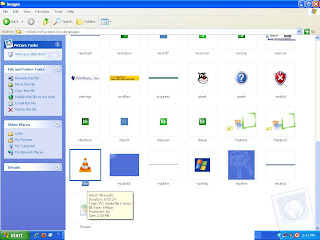
  4-a new window will open then go to images 5-Hidden music file will be there with the name of title
 3-then go to start>>run type 'oobe' and press enter 4-a new window will open then go to images 5-Hidden music file will be there with the name of title